From Bangkok To Ko Samet

IMG_7808
Koh Samet is one of the thousands of beautiful islands that one should explore in Thailand. Especially when you are in Bangkok and have little time on your hand.

IMG_20180319_175233
A four-hour journey from the capital city will take you to this tiny paradise, which is considered to be a protected zone.

IMG_20180321_073746
Pristine turquoise waters and powdery white sand beaches woo thousands of foreign and local tourists alike every day. It is easy to navigate in this area as it is very compact in size. I used a motorbike to explore the whole place.

IMG_20180319_164415

Ko Samet is largely a part of Khao Laem Ya-Mu Ko Samet National Park. One can indulge in watersports activities too, although I opted to enjoy my precious time on beaches.
One place which is highly recommended for a splendid evening is Naga Bar. Cheap prices make this place a favorite among tourists.

IMG_7777

IMG_20180319_155847

IMG_7780

29386878_10156214978474487_8346916499054657536_n

IMG_7787

IMG_20180320_172531
So, how to reach Koh Samet? As I was staying at Sukhumvit, I took a bus from Ekkamai Bus Terminal to Ban Phe. While buying bus tickets, I also booked a ferry ticket from Ban Phe to Ko Samet. It took approximately four hours from Bangkok to reach Ban Phe and from there, I took a ferry to Ko Samet. The short journey lasted 30 minutes.

The place is replete with numerous hotels, guest houses and bars. So don’t worry about accommodation. To explore this protected area, you need to buy a 200 bhat ticket which is valid for five days. Make sure you don’t lose the ticket, otherwise, you will have to buy another one.

If you have some time, you can also explore my other accounts 🙂

For Instagram

For photo blog http://deepakacharya.wordpress.com/

Thank You 🙂
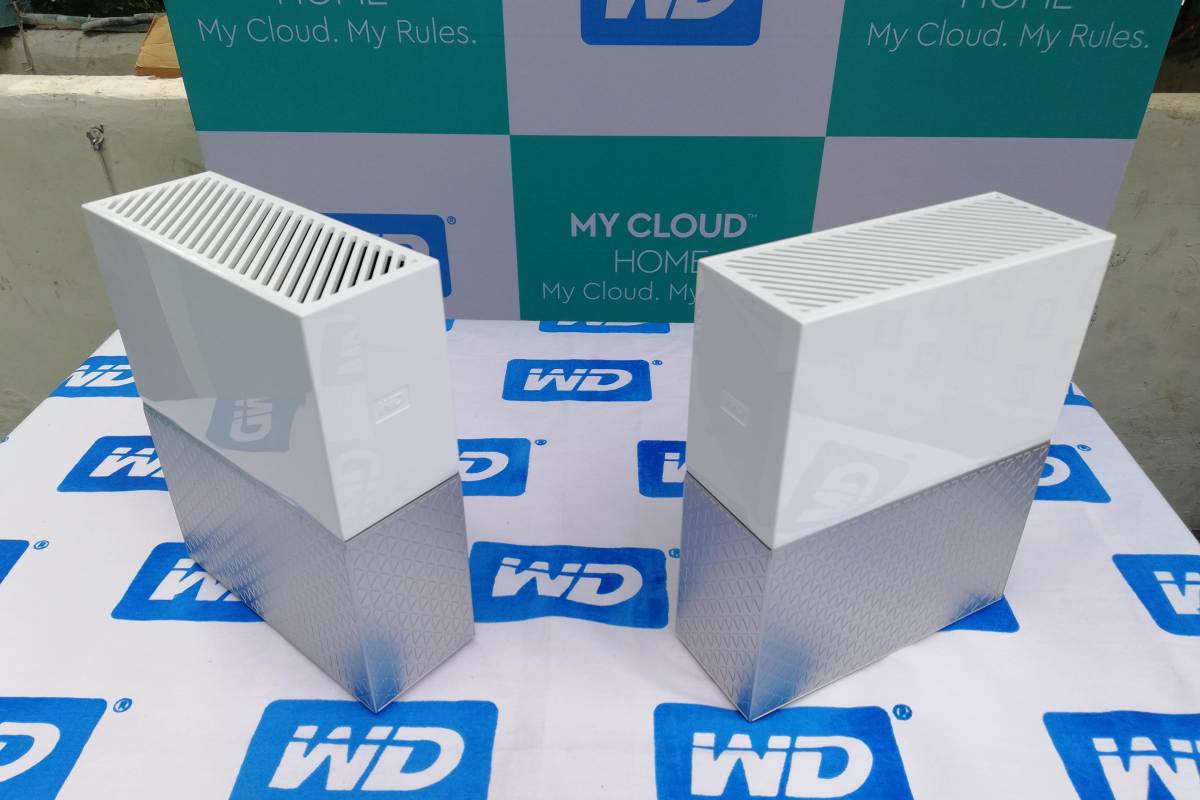
Western Digital’s My Cloud Home

#MyCloudMyRules

IMG_20180124_124655

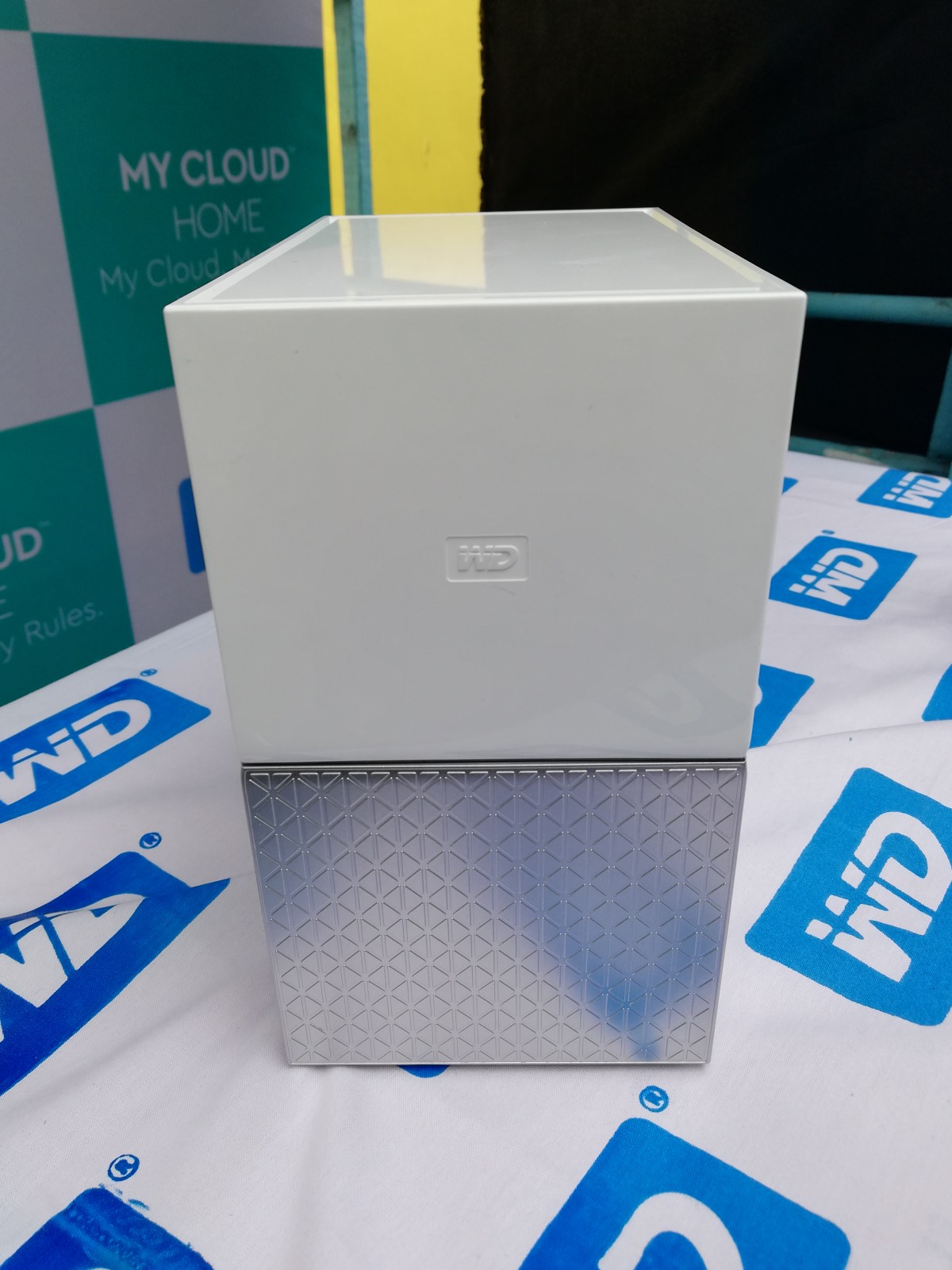
WD has come up with their latest product – My Cloud Home Duo, which the company claims consumers can access it anywhere in the world.

sdr

Thanks to My Cloud Home Duo, one can set up personal cloud storage for all your invaluable data at home.

The device is best suited for those who were looking for a safe and sufficient storage of their precious images and videos.

The device is very easy to install. WD has designed and developed the device in various variants ranging from 2TB to 16TB.

IMG_20180124_124207

The ‘My Cloud Home Duo’ has two drives and each drive contains your data.

How does it work?

Plug the device into a Wi-Fi router, then open the Mycloud website. A basic smartphone is enough to start the process. If you have MyCloud account then simply sign in to proceed. What you need is an internet connection. Your mobile is the center of the My Cloud Home experience.

Then using the Windows file explorer or with the My Cloud Home mobile app you can easily drag and drop your files onto your cloud space.

Users can share, access, and enjoy all their data from anywhere in the world with the help of My Cloud Home mobile app.

IMG_20180124_124015

Salient features of the device:

Keep your favorite folders from your PC and Mac computers in continuous sync with the My Cloud Home device.

Stream your personal videos anywhere, on any device, using the My Cloud Home mobile and desktop app or MyCloud.com.

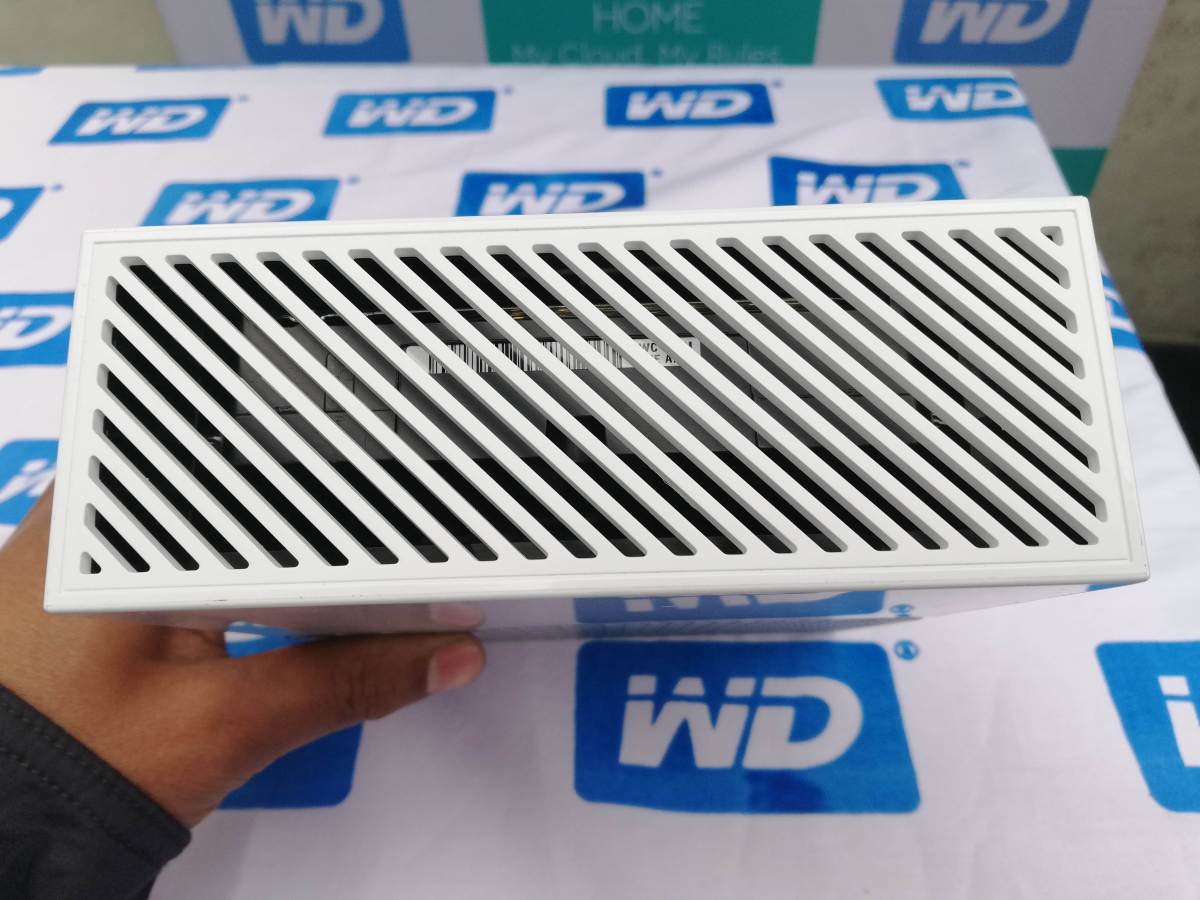
My Cloud Home Duo is equipped with two hard drives and is set to Mirror Mode, so all your photos, videos and files are stored on one drive and automatically duplicated onto the second drive for extra peace of mind.

The data you save in this device are stored in both the drives of the device, hence giving you a strong back up for your stored items.

IMG_20180124_124525

Technical Specifications

The device supports computers and laptops compatible with Windows 7 (64-bit only) or later and Mac OS X v10.10 or later.

The device also supports mobiles hat are compatible with iOS 9+ and Android 4.4+. Requires a router and internet connection.

My Cloud Home and My Cloud Home Duo – Dimensions

My Cloud Home Capacities

2TB – 8TB

My Cloud Home Duo Capacities

4TB – 16TB

Interface

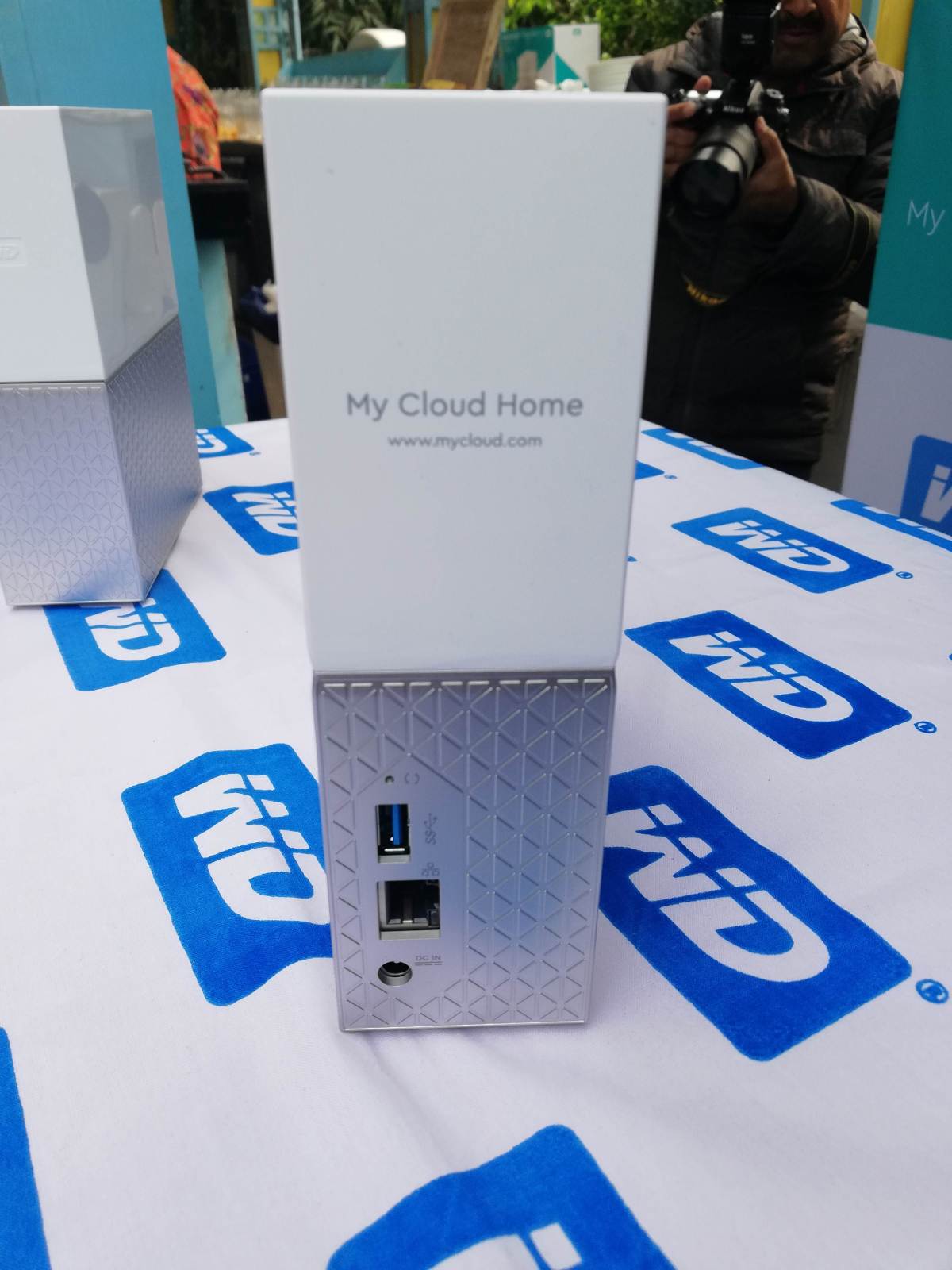
(1) Gigabit Ethernet

My Cloud Home – (1) USB port for importing

My Cloud Home Duo – (2) USB ports for importing

Final Verdict: The eye-catching design and simple set up is more likely to impress the consumers to buy this device. Considering its decent performance and easy set-up, My Cloud Home Duo is recommended for people those who prefer more personal storage.

#MyCloudMyRules